¿Qué es un archivo DXF?
Un archivo DXF (Drawing Exchange Format) es un tipo de archivo vectorial 2D desarrollado por Autodesk en 1982. Almacena líneas, arcos, círculos y formas como coordenadas matemáticas precisas en lugar de píxeles.
Debido a que DXF es un formato abierto y universal, permite que los diseños se muevan libremente entre diferentes programas y máquinas CAD. Esto lo convierte en el tipo de archivo preferido para enviar diseños a fresadoras CNC. máquinas lásery mesas de plasma.
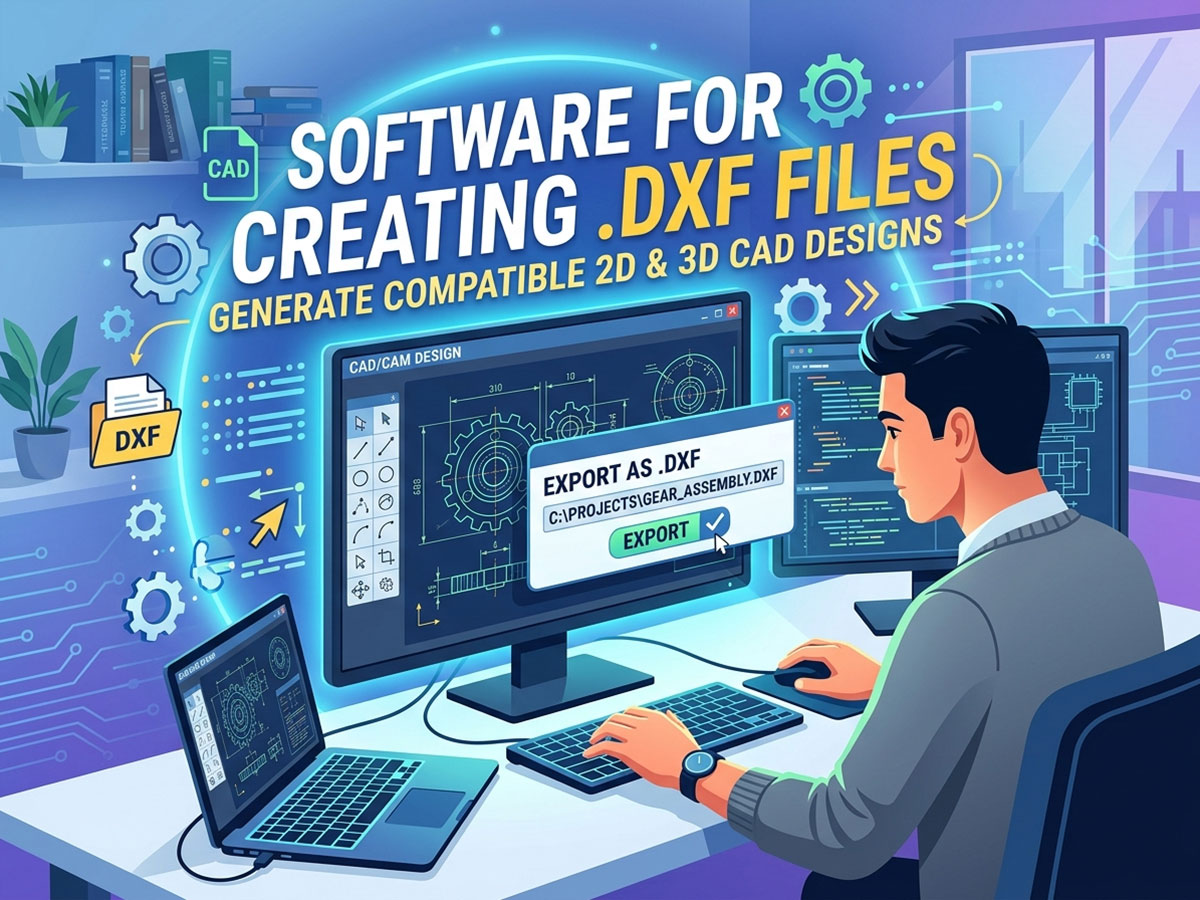
¿Para qué se utiliza un archivo DXF?
• Envío de trayectorias de corte y grabado 2D a Las máquinas CNC.
• Intercambio de dibujos entre diferentes plataformas de software CAD.
• Generación de trayectorias de herramientas en software CAM para fresado, corte y marcado.
• Compartir diseños escalables y editables sin perder precisión.
Los archivos DXF son especialmente populares para corte por plasma, corte láser, grabado láser y tallado CNC porque el formato conserva las dimensiones exactas que las máquinas necesitan para cortar con precisión.
Software para crear un archivo DXF
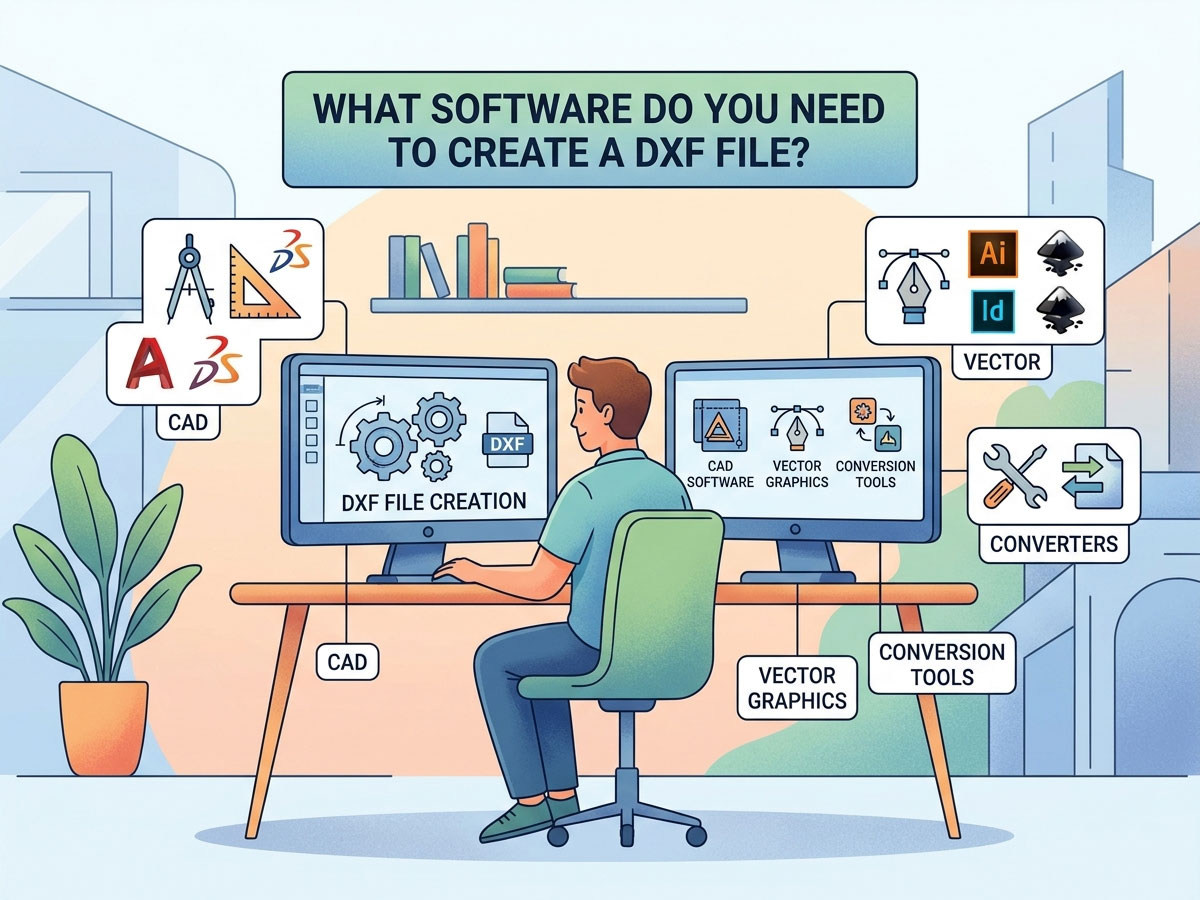
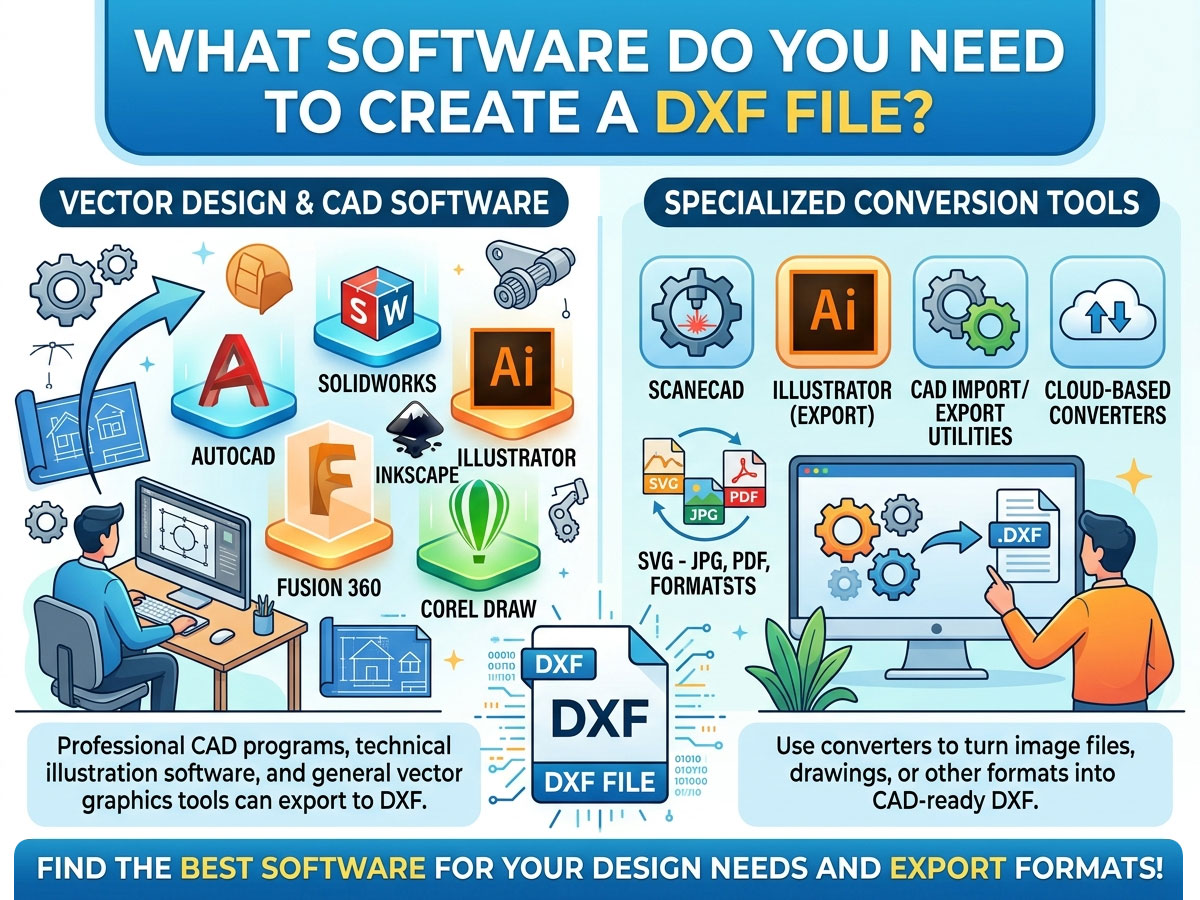
Cualquier programa que exporte a .dxf puede crear un archivo DXF. La elección correcta depende de si necesita dibujo 2D, 3D Modelado o arte vectorial, y según tu presupuesto. Aquí tienes una comparación de las opciones más utilizadas.
| Software | Precio | Tipo | Uso recomendado |
| LibreCAD | Free | 2D CAD. | Aficionados y principiantes dibujando piezas 2D sencillas |
| QCAD | Gratis / Pagado | 2D CAD. | Dibujos técnicos con una amplia biblioteca de piezas. |
| FreeCAD | Free | 2D+ 3D CAD | Diseño y dibujo 2D de código abierto 3D modelado |
| Inkscape | Free | Gráficos vectoriales | Conversión de ilustraciones y logotipos a formato DXF recortable. |
| DraftSight | Gratis / Pagado | 2D CAD. | Interfaz al estilo AutoCAD a menor coste. |
| Fusión 360 | De pago (gratis para aficiones) | 2D+ 3D CAD / CAM | Diseño CNC profesional más trayectorias de herramienta. |
| AutoCAD | Respiro | 2D+ 3D CAD | Diseño profesional según los estándares de la industria. |
| Ilustrador Adobe | Respiro | Gráficos vectoriales | Diseñadores que convierten arte vectorial a DXF |
Gratis o de pago: ¿Cuál deberías elegir?
No necesitas software costoso para crear un archivo DXF utilizable. Adapta la herramienta a la complejidad de tu proyecto:
• Si eres aficionado, creas formas 2D sencillas o estás empezando, elige software gratuito (LibreCAD, FreeCAD, Inkscape).
• Elija software de pago (AutoCAD, Fusion 360) si lo necesita. 3D modelado, trayectorias de herramientas CAM integradas, soporte profesional o trabajo en un taller comercial.
Cómo crear un archivo DXF: Paso a paso
El proceso es similar en la mayoría de los programas. Este es el flujo de trabajo general utilizando cualquier herramienta CAD o vectorial:
• Abre tu software de diseño y comienza un nuevo dibujo o documento 2D.
• Dibuja tu diseño usando líneas, arcos, círculos y curvas. Mantén las dimensiones exactas del mundo real.
• Configure las unidades correctas (milímetros o pulgadas) para que su máquina corte a la escala adecuada.
• Limpie la geometría cerrando trazados abiertos, uniendo líneas y eliminando formas duplicadas o superpuestas.
• Vaya a Archivo > Guardar como o Archivo > Exportar y elija el formato .dxf de la lista de tipos de archivo.
• Seleccione una versión DXF si se le solicita (la versión R12 es la más compatible con máquinas y software más antiguos).
Convertir otros archivos a DXF
A veces, ya tienes un diseño en otro formato. Puedes convertir muchos tipos de archivo a DXF en lugar de redibujarlo desde cero.
| Convertir desde | Herramienta recomendada | Notas |
| Imagen (JPG, PNG) | Inkscape, Scan2CAD | Primero requiere trazar al vector. |
| Archivo vectorial SVG | Inkscape | Exportación directa a DXF |
| Dibujo en formato PDF | Convertidores en línea, Illustrator | Funciona mejor con archivos PDF basados en vectores. |
| Archivo DWG | AutoCAD, DraftSight, QCAD | DWG y DXF están estrechamente relacionados. |
| DXF a PDF (inverso) | Cualquier visor CAD, imprimir a PDF | Para compartir o documentar |
Al convertir una imagen a DXF, recuerde que primero debe convertir las fotos en contornos vectoriales limpios. La conversión de imagen a DXF funciona mejor con logotipos y dibujos lineales sencillos y de alto contraste, no con fotografías detalladas.
Cómo abrir y ver un archivo DXF
Crear un archivo DXF es solo la mitad del trabajo. También necesitas abrirlo y revisarlo antes de enviarlo a tu máquina.
Formas de abrir un archivo DXF
✓ Software CAD: AutoCAD, LibreCAD, QCAD y FreeCAD abren archivos DXF de forma nativa.
✓ Visores DXF gratuitos en línea: Los visores basados en navegador permiten previsualizar un archivo sin necesidad de instalar nada, ideales para una comprobación rápida.
✓ Editores vectoriales: Inkscape y Adobe Illustrator abren y editan archivos DXF.
✓ Software de la máquina: LightBurn (láser), Mach5 y software de control similar importan archivos DXF directamente para el corte.
Para abrir un archivo DXF en AutoCAD, simplemente use Archivo > Abrir y seleccione el archivo .dxf, o arrástrelo al espacio de trabajo. Para la importación específica de la máquina, su Software CNC y láser Lee el archivo DXF y convierte la geometría en trayectorias de herramienta de corte.
Cómo usar archivos DXF con su máquina CNC, láser o de plasma.
DXF es el puente entre tu diseño y tu máquina. El flujo de trabajo típico es el siguiente:
Diseñar en CAD → Exportar como DXF → Importar a CAM o software de control de máquina → Generar trayectorias de herramienta o código G → Cortar. Para saber cómo funciona la siguiente etapa, lea la STYLECNC guía sobre Cómo generar un archivo G-code de tu diseño.
• Fresadoras CNC: Los archivos DXF definen perfiles 2D para cortar madera, acrílico y materiales compuestos. Se combinan con software CAM para generar trayectorias de herramienta.
• Cortadoras y grabadoras láser: Los contornos DXF le indican al láser exactamente dónde cortar o marcar. Programas como LightBurn importan archivos DXF directamente.
• Cortadoras de plasma: Los archivos DXF gratuitos para corte por plasma están ampliamente disponibles en línea, lo que facilita comenzar a producir arte y piezas de metal.
Si está eligiendo herramientas para su máquina, STYLECNC Lista de software de programación CNC Describe qué programas de diseño y control funcionan mejor para routers, láseres y mesas de plasma.
Dónde encontrar archivos DXF gratuitos
Si prefieres empezar con diseños prefabricados, existen muchas bibliotecas DXF gratuitas en línea. Son perfectas para corte láser, arte con plasma y proyectos CNC.
• Archivos DXF gratuitos para corte láser: letreros, adornos, cajas y plantillas decorativas.
• Archivos DXF gratuitos para corte por plasma: objetos decorativos de metal, soportes y piezas funcionales.
• Bibliotecas comunitarias y foros de creadores donde los usuarios comparten sus diseños.
Pruebe siempre primero un archivo DXF descargado en material de desecho, ya que la calidad y la escala del archivo pueden variar entre las distintas fuentes.
Preguntas frecuentes
¿Cuál es el software gratuito más fácil para crear un archivo DXF?
LibreCAD es la opción gratuita más sencilla para principiantes que crean archivos DXF en 2D. Para convertir logotipos e ilustraciones, Inkscape es la herramienta vectorial gratuita más simple que exporta a DXF.
¿Puedo crear un archivo DXF sin AutoCAD?
Sí. No es necesario AutoCAD. Programas gratuitos como LibreCAD, FreeCAD e Inkscape crean y exportan archivos DXF compatibles con máquinas CNC, láser y de plasma.
¿Cómo puedo abrir un archivo DXF en línea?
Utilice un visor de archivos DXF en línea. Suba el archivo a un visor de DXF gratuito para previsualizar el dibujo sin necesidad de instalar ningún software. Para editarlo, utilice un programa CAD o vectorial de escritorio.
¿Cuál es la diferencia entre DXF y DWG?
Ambos son formatos de Autodesk. DWG es el formato nativo de AutoCAD, mientras que DXF es un formato de intercambio abierto diseñado para ser compatible con diferentes programas. DXF es más universalmente aceptado por las máquinas CNC y láser.
¿Puedo convertir una imagen a un archivo DXF?
Sí, pero primero hay que convertir la imagen a contornos vectoriales. Herramientas como Inkscape y Scan2CAD convierten logotipos y dibujos lineales sencillos y de alto contraste a formato DXF. Las fotos con muchos detalles no se convierten bien.
¿En qué versión DXF debo guardar el archivo?
Para una mayor compatibilidad con máquinas y software antiguos, utilice la versión R12. Las versiones más recientes admiten más funciones, pero es posible que no sean compatibles con todos los programas de control CNC y láser.
Desde el archivo de diseño hasta la pieza terminada
Una vez que puedas crear archivos DXF limpios, estarás listo para convertir los diseños en piezas reales. Explora STYLECNC Software y herramientas de diseño CNC, navegar por el Gama de fresadoras CNCo vea la gama completa de máquinas de grabado láser y máquinas de corte por láser para dar vida a tus diseños DXF.